
AI and automation shaped around the work your team repeats.
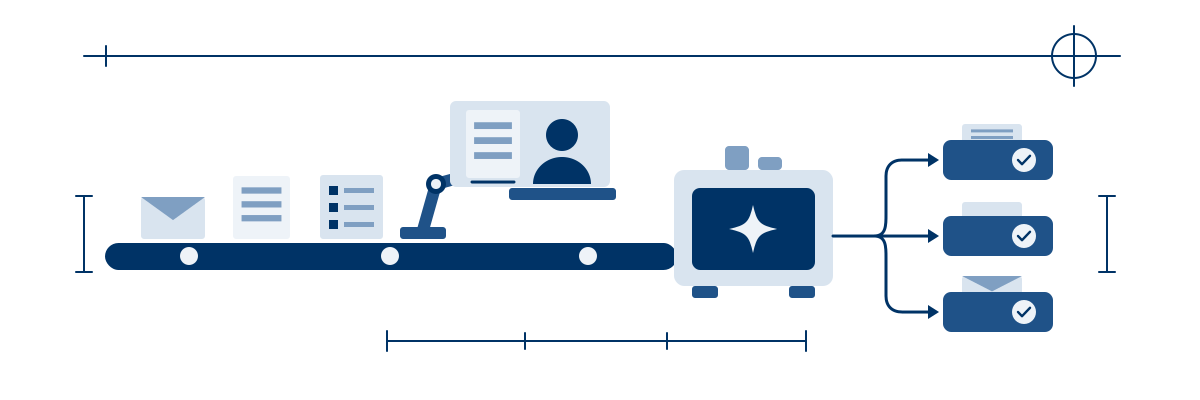
Where it starts, and what changes
| Where you are | What we shape for it | What changes |
|---|---|---|
| Hours lost copying data between tools | Automations that move data between the tools you already use | Information flows on its own, and your team works on what needs them |
| Invoices, forms and emails read by hand | AI that reads, extracts and sorts documents as they arrive | Requests are sorted and routed as soon as they land |
| Approvals chased through inboxes | Approval steps with clear owners and reminders | Decisions move forward without anyone chasing them |
| AI pilots that never reach production | Guardrails, review steps and monitoring around the model | AI you can trust in daily work, with a person where it matters |
Built around you
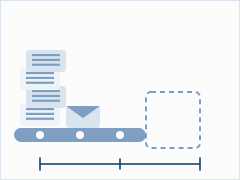
Find the bottleneck
Measure where time goes and pick the automation with the clearest, checkable payoff.
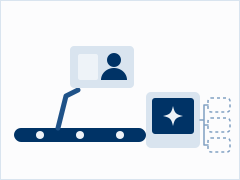
Design with guardrails
Decide what the system does alone and where a person reviews.
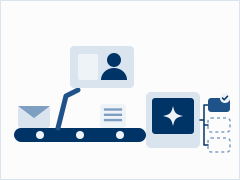
Test it on real work
Check it against real examples before rollout, and track accuracy after.
Roll out and make it yours
Start with one team and expand as results hold. You own the workflows, prompts and accounts.
Questions buyers ask
Is our data used to train AI models?
Providers and settings are chosen so your data is not used for training. This is agreed per project, before any data is connected.
What if the AI makes a mistake?
Automations are designed with review steps and fallbacks wherever an error would be costly, and their output is monitored after rollout.
Do we need an AI strategy first?
No. Most work starts with one workflow that is costly today, and the next ones are chosen from what it teaches you.
Which tools can you connect?
Usually the email, document, CRM and accounting tools you already use, through their APIs. The exact connections are confirmed during discovery.